Passport-size photos
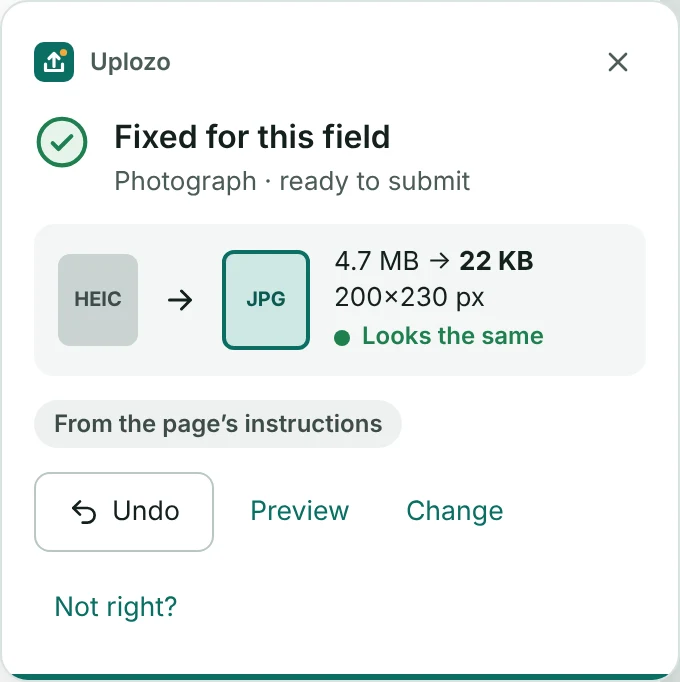
Big phone photos, even iPhone HEIC, become a small JPG with the exact KB and pixels the form wants. A quality check makes sure it still looks clear.
4.7 MB HEIC22 KB JPG
Exam forms, job portals and government websites ask for exact file sizes. Uplozo makes your photo, signature or PDF the right size, automatically, the moment you choose it.
Want an email when it's ready? Write to uplozo@globlly.com
Made for every form that asks you to upload a file
Works on exam forms, job applications, scholarships, college admissions, government services, bank and KYC, passport and ID forms, and recruitment portals.
Size in KB, pixels, file type and number of pages. These are real screenshots of Uplozo at work.
Big phone photos, even iPhone HEIC, become a small JPG with the exact KB and pixels the form wants. A quality check makes sure it still looks clear.
Your marksheets, ID cards and signatures are changed inside Chrome on your computer.
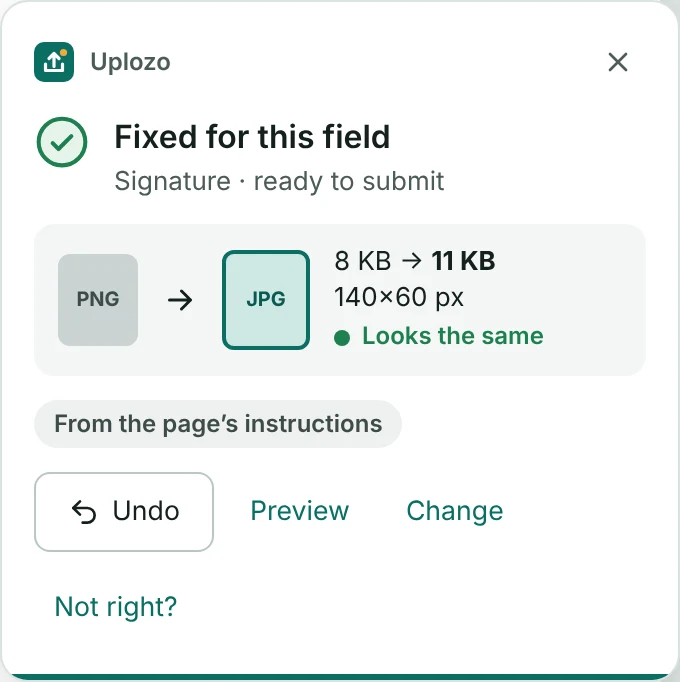
Too small is also an error. Uplozo makes it exactly right.
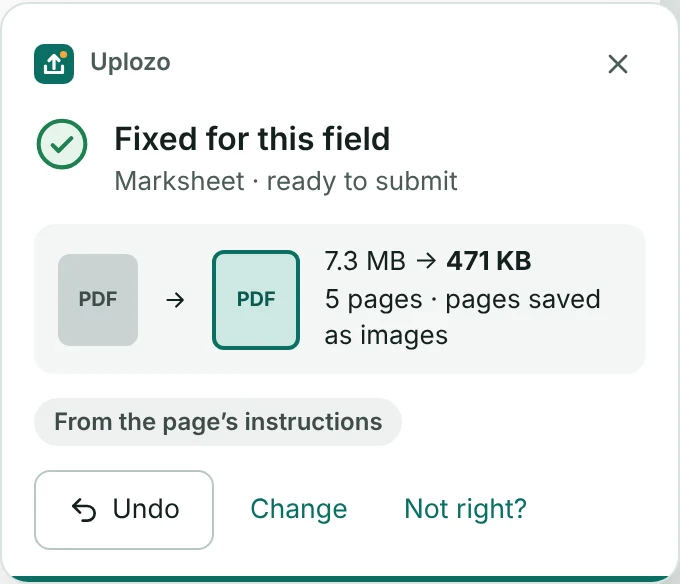
Smaller PDFs. Too many pages? Choose which to keep.
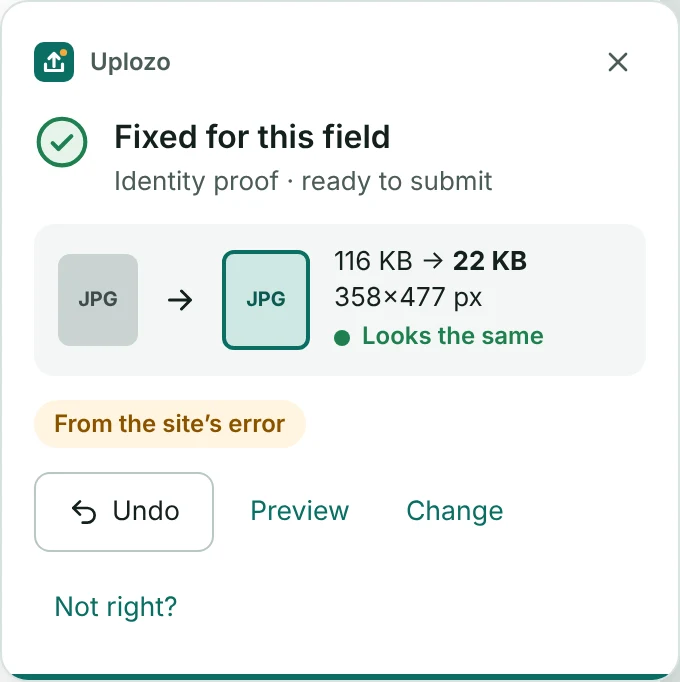
Uplozo reads the error, fixes the file again and remembers the rule.
Understands rules written in Hindi. Uplozo itself also speaks Hindi.
Photos from any phone, scans and documents. Word, Excel and PowerPoint files can be made smaller too.
You use the website's own upload button, like always.
Click "Choose file" on the form, or drag your file onto it.
It reads what the form needs and makes your file match, in a second or two.
See it with Preview. Not happy? Press Undo to use your original.
Write to us and we'll reply.
Yes. It is free to install and use. You don't need an account.
No. Your files are changed inside Chrome on your own computer. Your files and their names are never sent to Uplozo or anyone else.
Any website with an upload button: exam forms, job portals, scholarships, college admissions, government and bank forms. If a form doesn't say what it needs, Uplozo asks you once what the file is for.
Uplozo reads the website's error message and fixes your file again. If the message doesn't say what is wrong, Uplozo tells you, and you can send us a short report with "Not right?".
Yes. Press Undo or "Upload original" on the Uplozo card. You can also turn Uplozo off for any website from the toolbar icon.
No. Chrome on phones doesn't support extensions. Uplozo works in Chrome on Windows, Mac, Linux and Chromebook.
Choose your file. Uplozo makes it fit. Free for Chrome.
Coming soon to Chrome Web Store